Keep every regular on your tablet,
and remember them at a glance
Phone numbers, what you talked about, what to do next: the list on the left, the details on the right, all on one screen. Snap a photo of a handwritten form to add a client.
✓ Try it free, no sign-up needed
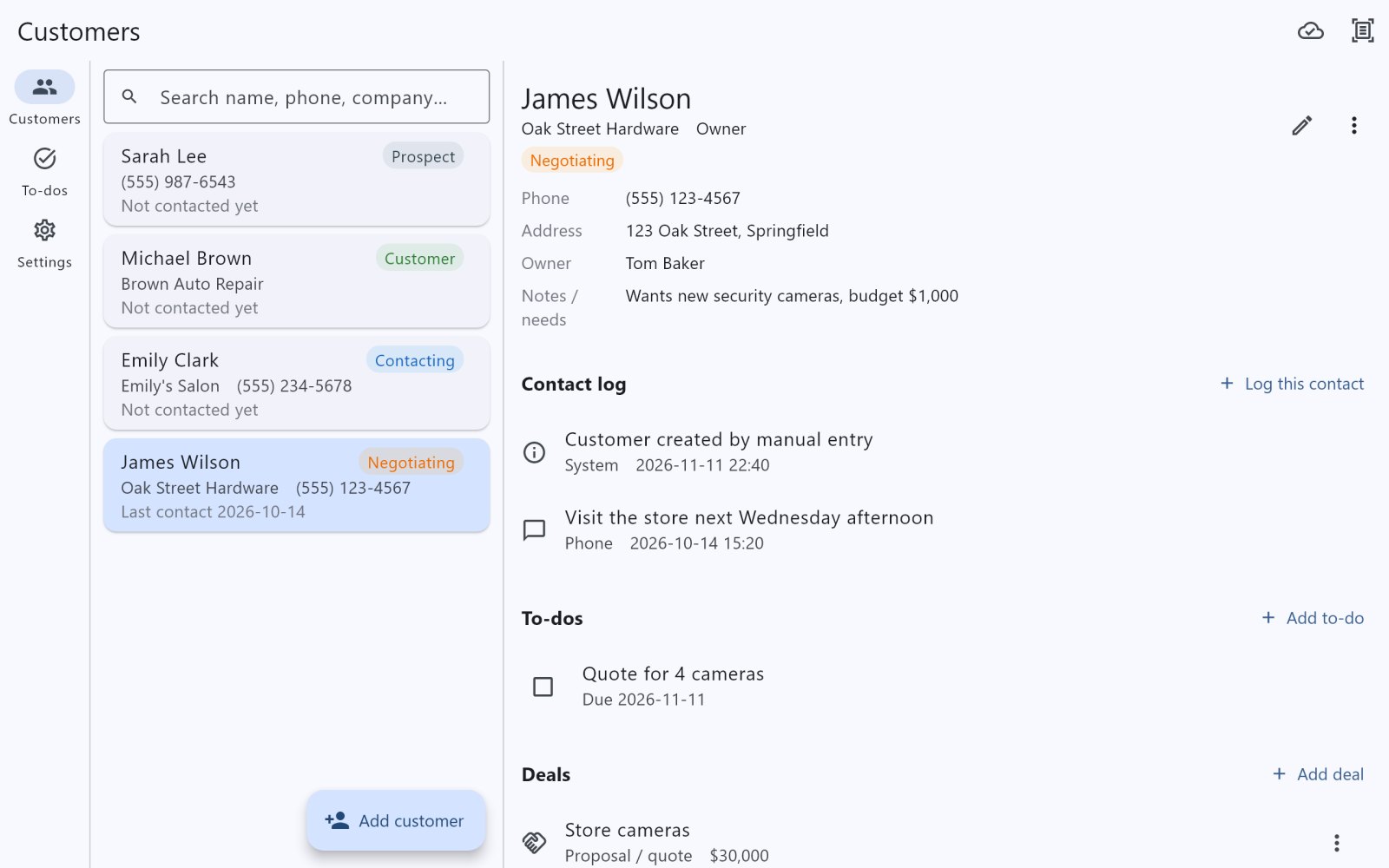
Why manage clients on a tablet?
Phones are small and PCs stay on the desk. A tablet fits right on the counter or in front of a client, and Bondler switches to a two-pane layout automatically.
- Two panes, one screen Client list on the left, full details on the right. Tap to switch, no back button needed.
- Large text, large buttons Follows your tablet's text size, so everyone can read it comfortably.
- Perfect for the counter Open a client's details and your last conversation while you greet them or prepare a quote.
- Easier photo scanning Snap a handwritten form with the tablet and check the result on the big screen.
- Portrait or landscape Two panes either way. Works on iPad and Android tablets.
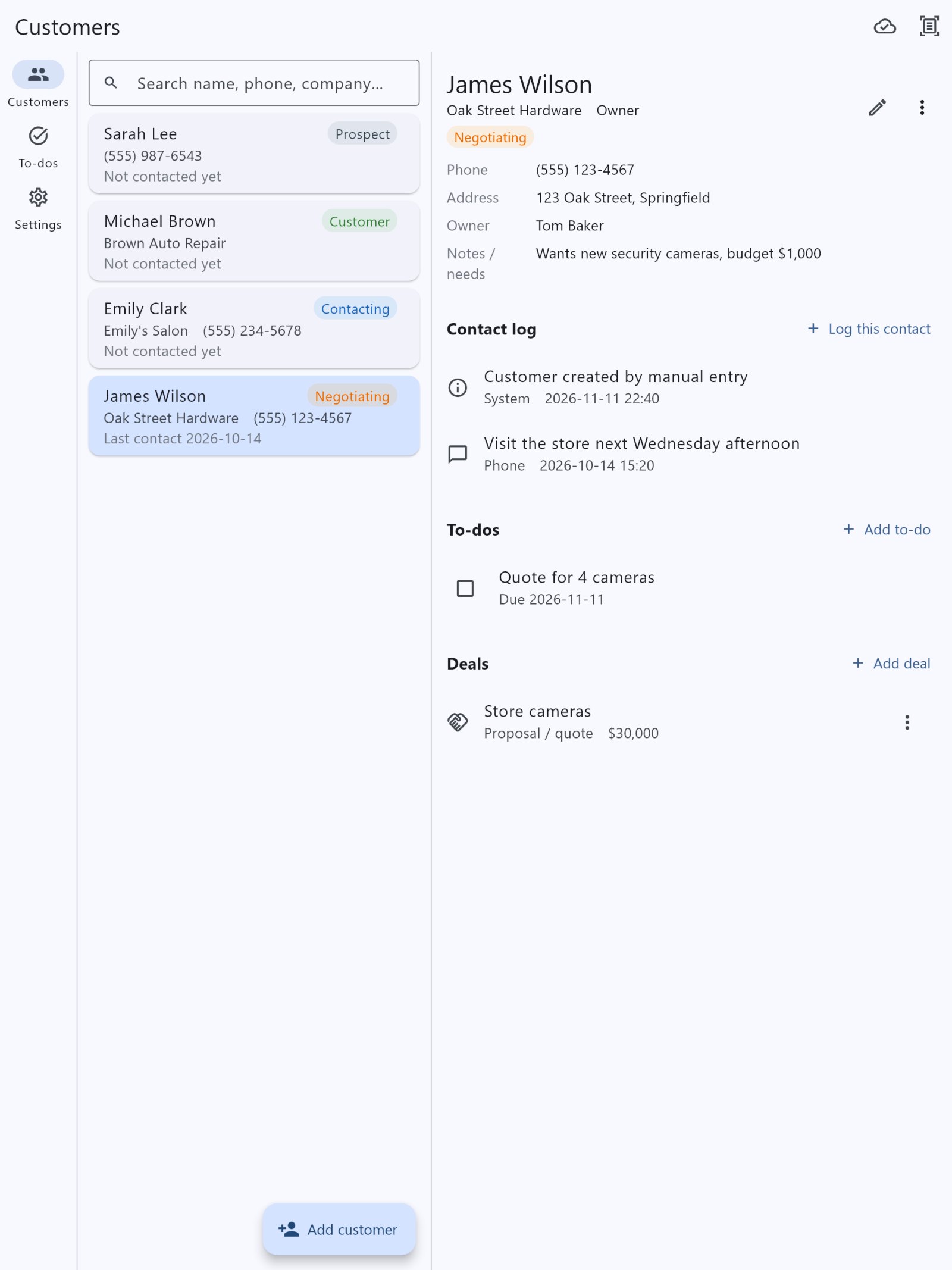
Portrait: list and details side by side
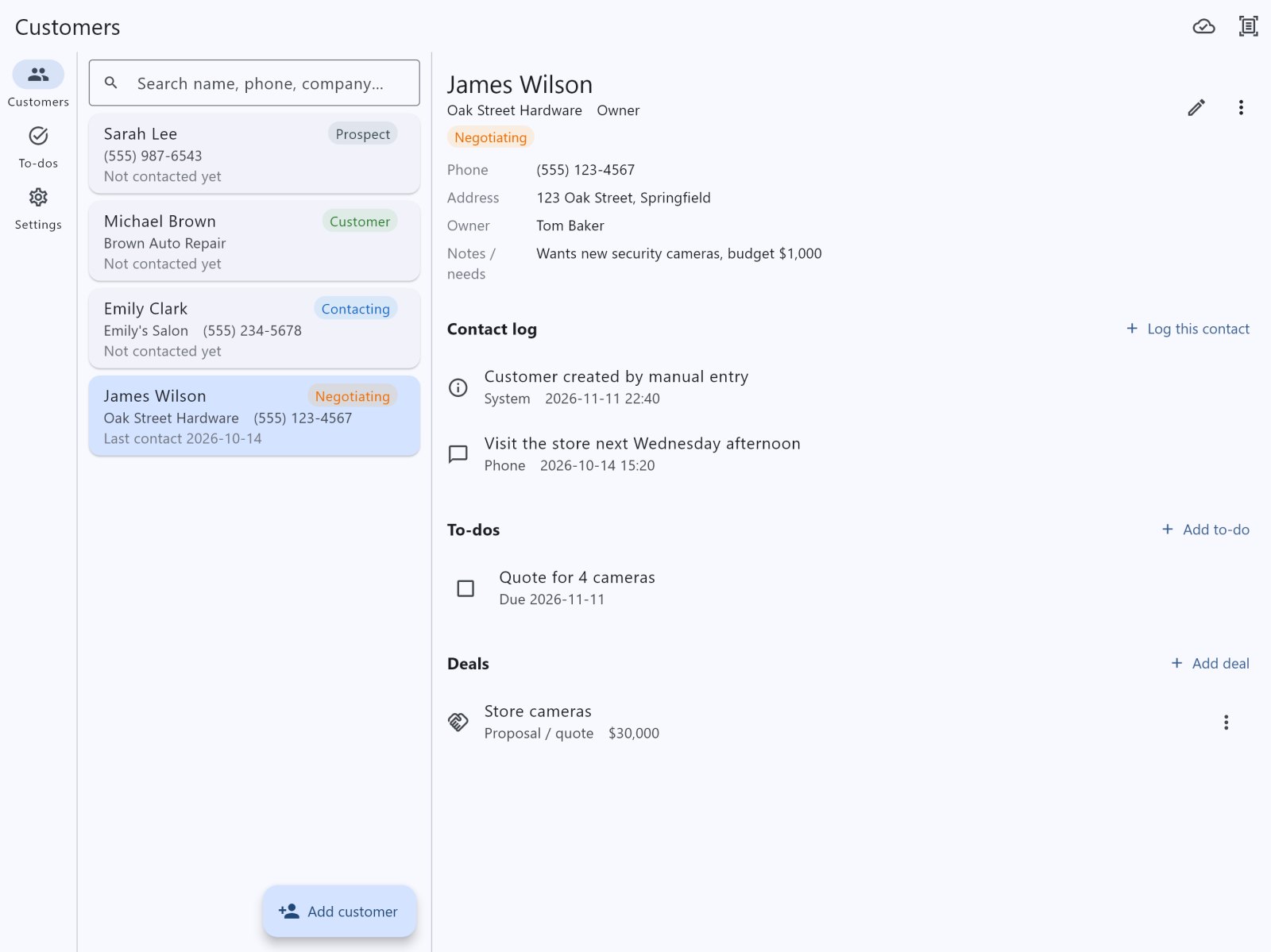
Landscape: even more room
Made for businesses like yours
Salons and beauty
See what each client had last time and what they like, right on the counter tablet.
Tutoring and classes
Parents' contacts, notes on each student and follow-ups, shared by the team.
Repair shops
Owner details, past repairs and the next service reminder as a to-do.
Sales and small teams
Phone on the road, tablet at the office, with clients and deals in sync.
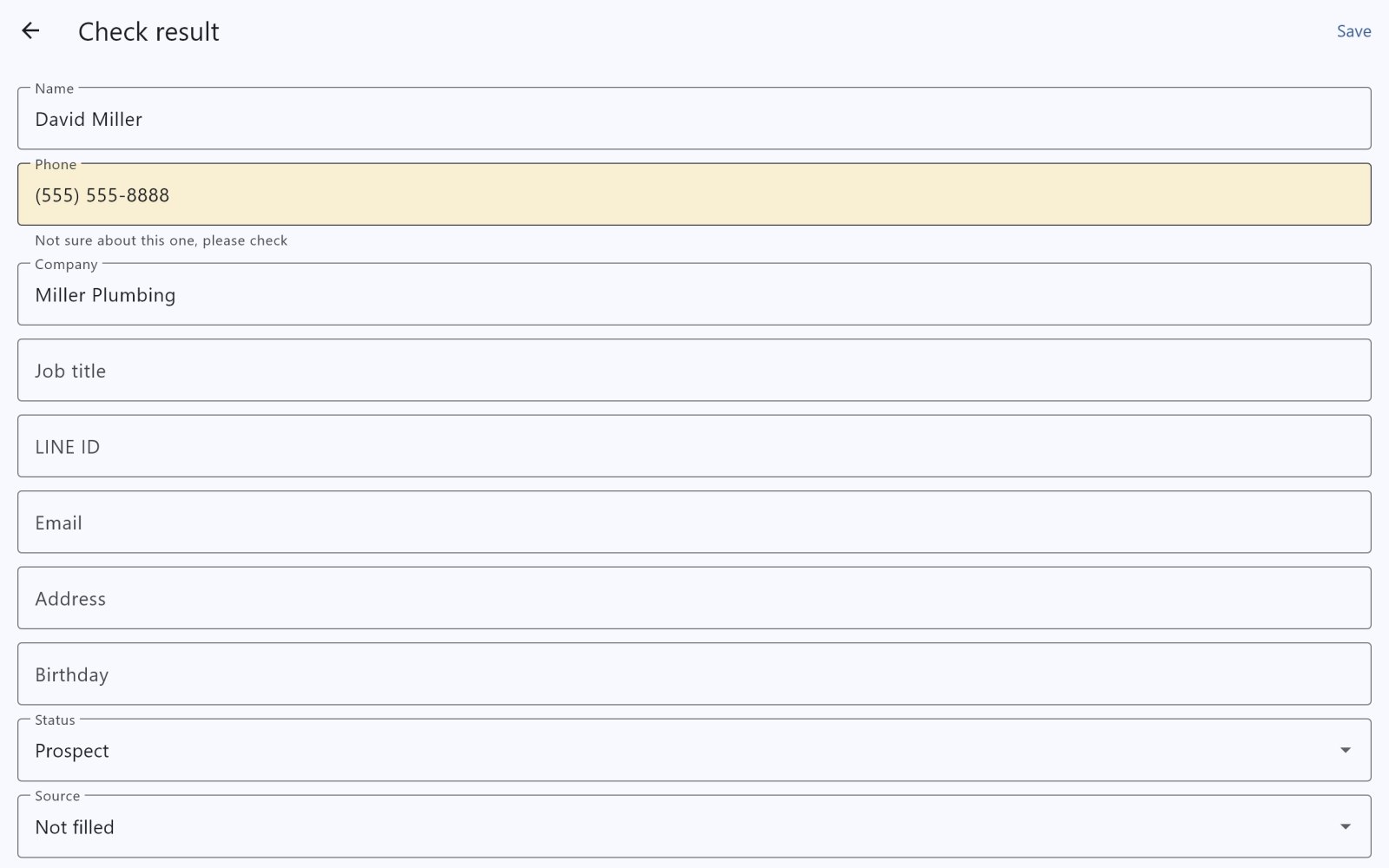
Snap a handwritten form to add clients
Still keeping client records on paper? No need to type them in one by one.
- Tap the scan icon at the top right, then take a photo or choose one
- In about 5–15 seconds it fills in name, phone, company and more
- Uncertain fields are highlighted in yellow: check them, then save
- Several clients on one sheet? You confirm them one at a time
Phone and tablet together, always in sync
With a plan, sign in on each device with your company code and changes sync automatically.
- Changes upload in about 20 seconds and appear on your other devices
- Works offline and syncs when you're back online
- Data is encrypted before it goes to the cloud
- Opening the app requires your fingerprint, Face ID or device passcode
Everything you need to manage clients
Client details
Name, phone, company, LINE, email, address, birthday, status and source on one page.
Contact log
Log every call or visit; the list shows when you last contacted each client.
To-dos
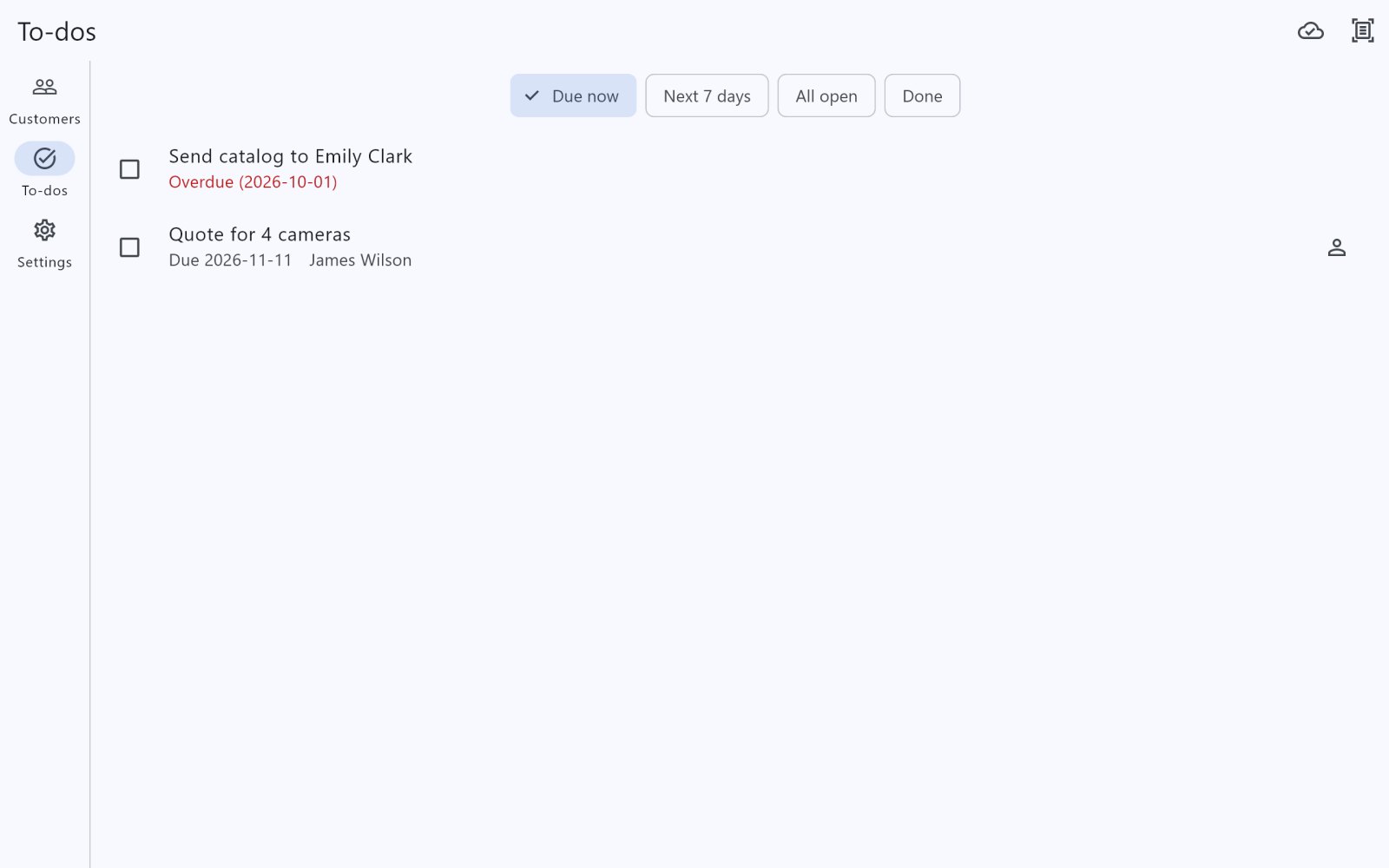
Set due dates, overdue items turn red, and today and the next 7 days are easy to see.
Deals
Track amounts and stages, from quote to closed.
Quick search
Type part of a name, phone number or company.
8 languages
English, Japanese, Korean, Thai, Vietnamese, Indonesian and Chinese (Traditional and Simplified), following your device.
Try it free, subscribe when you're ready
Monthly subscription, cancel anytime in Google Play or the App Store.
No account needed. Up to 3 clients and 3 handwriting scans. Your trial data is kept when you subscribe.
- 1 account(s), 1 device(s), 25 MB cloud
- 5 handwriting scans a month
- 2 account(s), 2 device(s), 25 MB cloud
- 5 handwriting scans a month
- 3 account(s), 3 device(s), 25 MB cloud
- 5 handwriting scans a month
- 5 account(s), 5 device(s), 25 MB cloud
- 5 handwriting scans a month
Prices depend on your country's store and are shown in your local currency in the app. Need more handwriting scans? Buy a pack in the app (valid for 12 months).
Frequently asked questions
Do I need a tablet?
No. It works on phones and tablets and adjusts the layout automatically. You can sign in to the same account on both (up to your plan's device count).
Which tablets are supported?
Android tablets (Google Play) and iPad (App Store), as well as phones.
Does it work offline?
Yes. Your data is stored on the device, so you can look things up and make changes offline; it syncs when you're back online.
How accurate is the handwriting scan?
Clear writing and numbers are usually right, but names and messy writing can be misread. Uncertain fields are highlighted in yellow, and you can edit everything before saving.
Is my data safe?
Synced data is encrypted before upload. Opening the app requires your fingerprint, Face ID or device passcode, and again after 3 minutes away.
I got a new tablet or phone. What now?
Sign in on the new device with your company code, username and password, and your data downloads automatically. If you've reached your device limit, remove an old device on the sign-in screen.
How do I cancel?
Cancel under Subscriptions in Google Play or the App Store. You can keep using it until the end of the current period.
Where is it available?
In the countries and regions where Google Play and the App Store list it.
Put your clients on your tablet today
Free to download, no account needed to try.